


Electra Eyes - LED Animated Eyes
Electra Eyes - LED Animated Eyes
Couldn't load pickup availability
-
Ordered
- - -
Order Ready
- - -
Delivered

Electra Eyes - LED Animated Eyes
Set up Electra Eyes in minutes
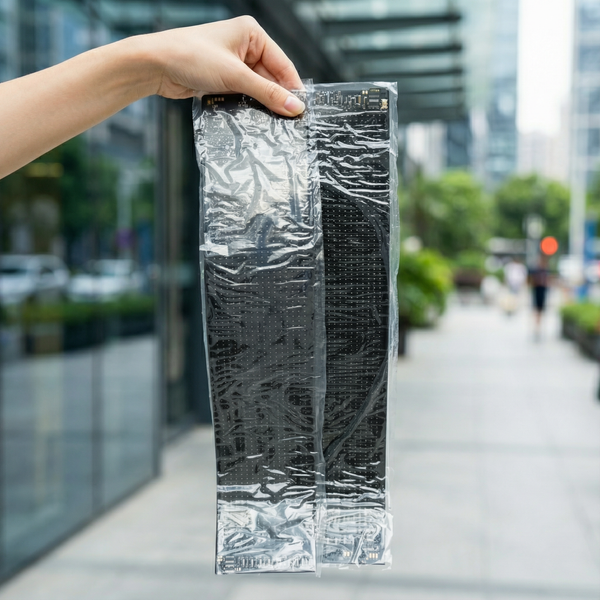
Step 1: Peel off the protective film
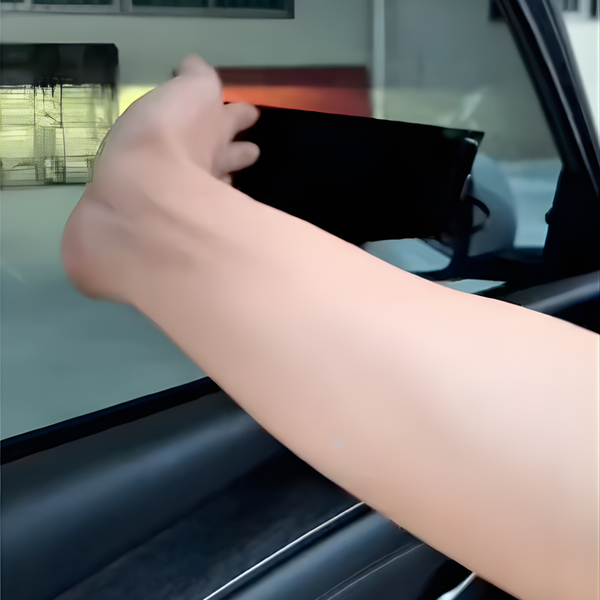
Step 2: Stick them on
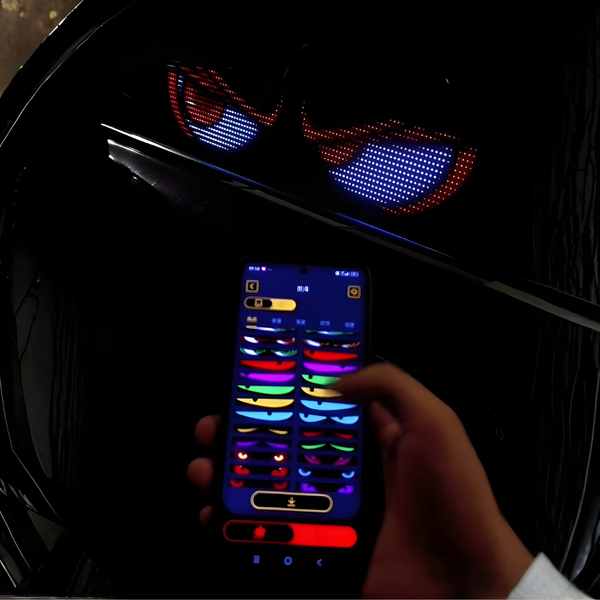
Step 3: Select your animation
Choose your preferred animation using the remote or the app. Tap the button below to watch a step by step tutorial on how to connect the app to the displa
That’s it. Enjoy your Electra Eyes.

Give your ride a personality unlike
anything else on the road!
Make your car the star of the streets with Electra Eyes™.
Drive in style and enhance safety with increased visibility. Add personality to your vehicle and make every ride unforgettable.
 Turn heads when driving
Make your car look fun and unique with glowing, animated eyes. People will notice your car everywhere you go, day or night!
 Increase safety on the road by becoming more visible
Make your car stand out, helping others see you better in low light or bad weather. The bright, glowing lights can make driving safer by grabbing attention quickly.
 No Tools Required for Installation
You don’t need any tools to set it up, so it’s super easy. Just stick it on, turn it on, and enjoy!

Give your car a personality,
control its eyes with a tap!
Easily controlled via a mobile app, you can switch expressions, adjust brightness, and add custom animations.
With quick plug-and-play setup, no tools are needed. Just plug it in, stick it on, and go!
Collapsible row
Collapsible row


Custom columns
Use the flexible grid system to create any layout. Each block can be placed in any of the columns.
Image/Video Slider
Content heading
Pair icons with content to focus on your chosen product, collection, or blog post. Add details on availability, style, or even provide a review.